Read and interpret your verification result
Understand your VerifyPDF result, the trust score, the four fraud-risk bands, the warnings, the metadata and what to do with each outcome.
When a document finishes analysis, click it to open the detail view. Here is what each part of the result means and what to do with it.
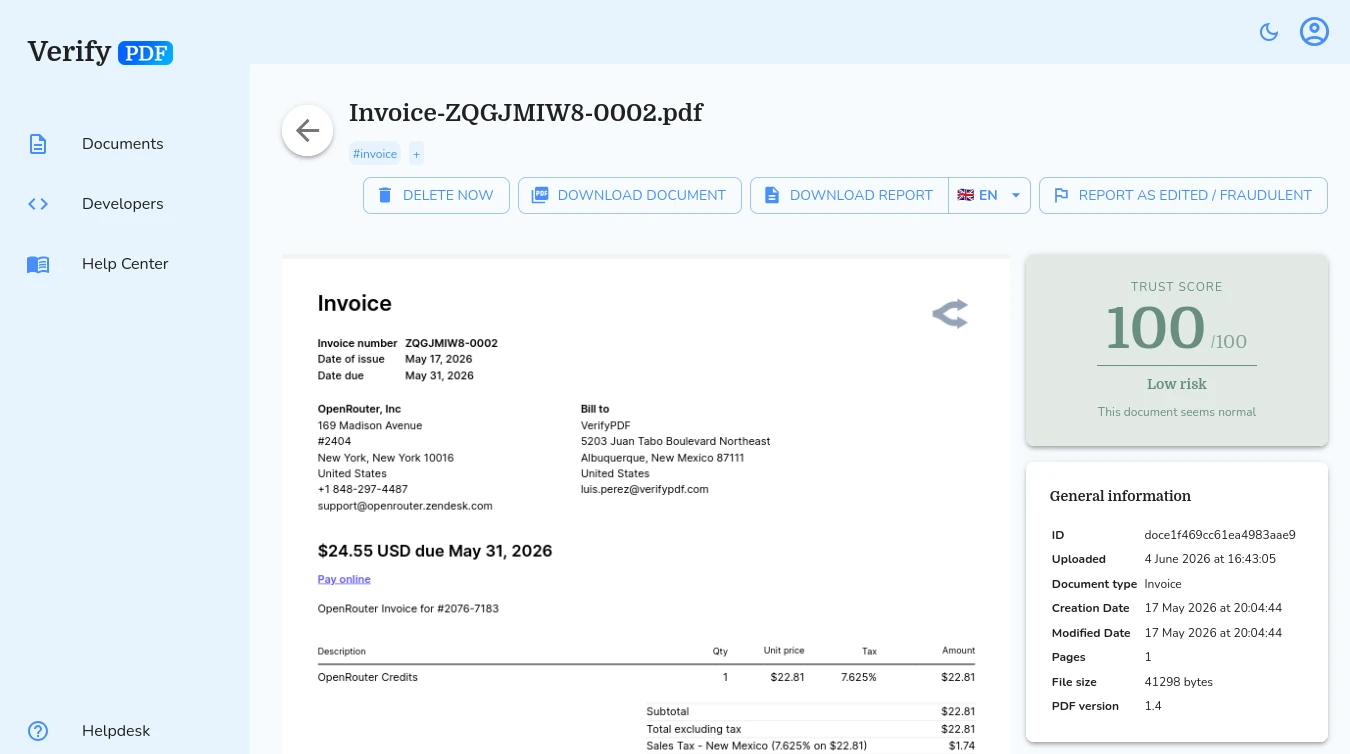
Trust score
Every result shows a trust score from 0 to 100. A score of 100 means the document is clean, with no warning signals. Lower scores mean VerifyPDF found more or stronger problems.
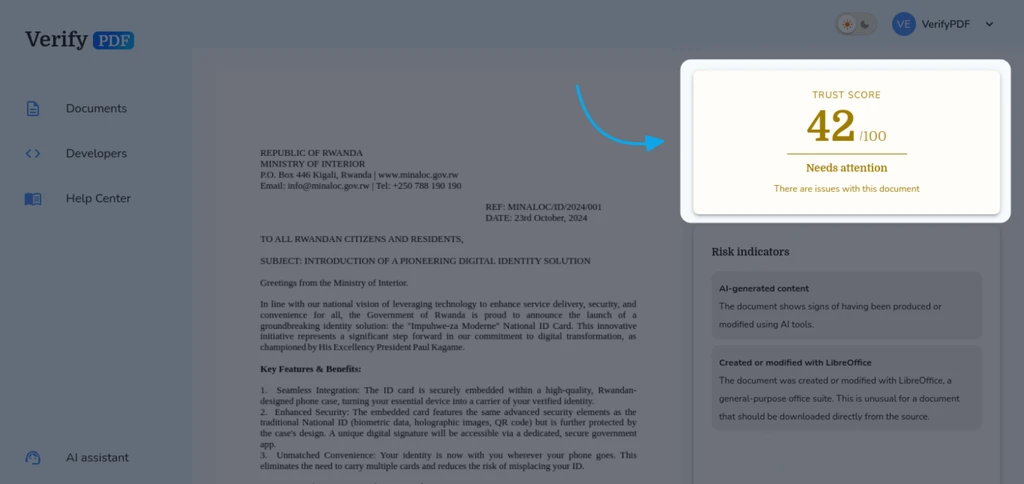
Fraud-risk bands
The trust score maps to a fraud-risk rating. There are four bands:
- Trusted - a perfect 100 that also matched a known-good template. Treat the document as clean.
- Low risk (score 80 to 100) - clean. No meaningful warning signals.
- Needs attention (score 41 to 79) - worth a manual look. Review it before you rely on it.
- High risk (score 0 to 40) - strong document-fraud signals. Treat it with serious caution.
For a visual breakdown of the four bands and the scores behind them, see understand fraud flags and risk indicators.
Warnings
The result lists warnings, each with a short plain-language description. The strongest signals appear first, so start at the top. If the PDF was edited after it was created, the result also summarizes what changed.
One warning on its own does not always mean fraud. To understand the kinds of checks behind these warnings, read understand fraud flags and risk indicators.
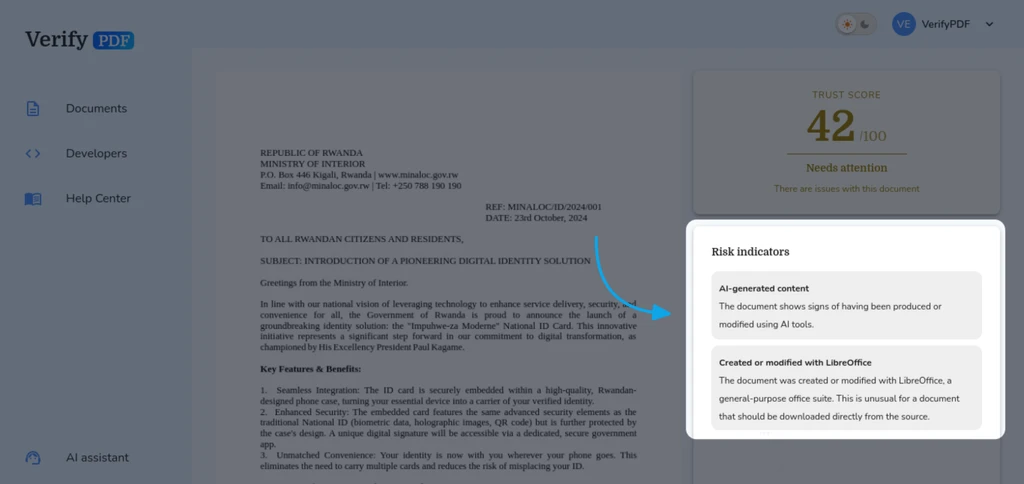
Document metadata
The result shows filtered metadata from the PDF, such as the title, author, creator, key dates, page count and file size. Missing or mismatched metadata can itself be a warning sign.
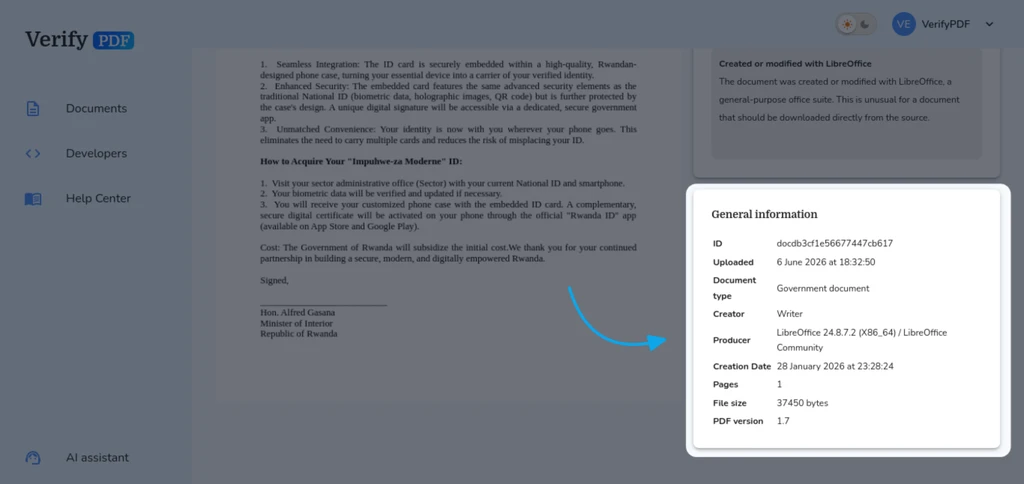
The report
Every result includes a downloadable PDF report that captures the score, the rating and the warnings. You can keep it for your records or share it with a colleague. See download or share a report.
How to act on the result
- Trusted or Low risk - treat the document as clean.
- Needs attention - give it a manual review before you accept it.
- High risk - there are strong document-fraud signals. Do not rely on the document without a closer investigation.
- Password-protected or corrupted - VerifyPDF could not analyze the file. Download a fresh original PDF from the source and try again. See document failed to upload.